

.png)

Features
Introducing Dot Voting: A Familiar Workshop Favorite, Now Built for Hybrid Engagement
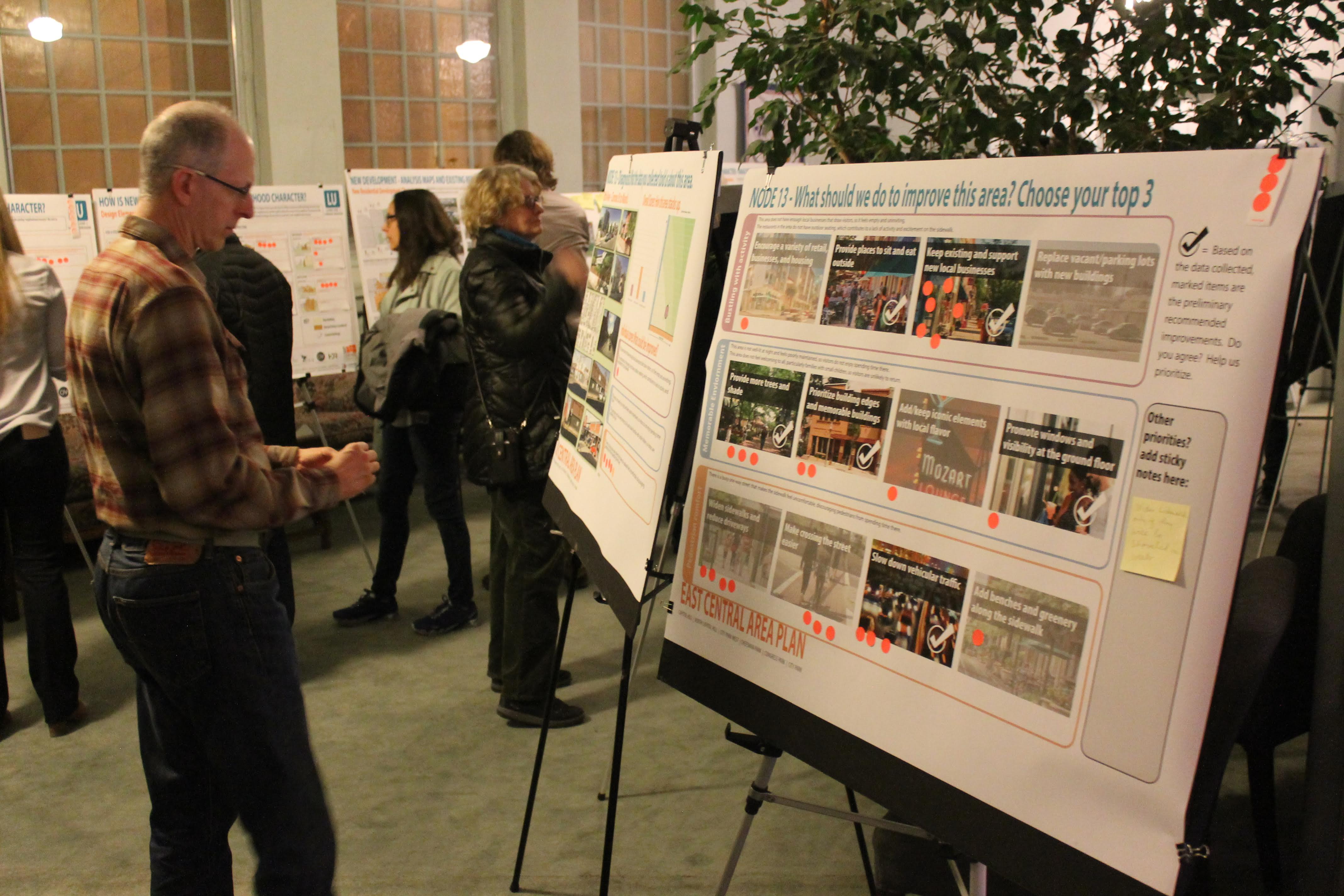
One of the most familiar activities in any community workshop or open house is also one of the simplest: dot voting. Participants walk up to a presentation board, review different ideas or alternatives, and place dots next to the options they support most. It is quick, visual, intuitive, and effective. And until now, it has been surprisingly difficult to bring that same experience online without adding friction, redesign work, or a completely separate tool.
That is why we are excited to introduce Dot Voting in Konveio.

This new feature was designed to help planners and facilitators extend in-person workshops, open houses, and charrettes into a digital format that still feels familiar. Instead of translating poster boards into a survey or rebuilding activities from scratch, project teams can now upload the same presentation boards they already created for the meeting and add dot voting directly on top of them. The result is a much more natural way to continue engagement after the event ends and to reach people who could not attend at a certain time or in a certain place.
Why dot voting matters
For many planning teams, hybrid engagement is no longer optional. In-person events remain valuable, but they only reach the people who can physically show up. Everyone else - residents with schedule conflicts, caregivers, shift workers, people with transportation barriers, or those who simply prefer to participate on their own time - can be left out unless there is a practical way to extend the workshop online.
That has always been the challenge with presentation-board-based engagement. Teams often work on boards right up until the print deadline. After the event, there is usually little time left to recreate those same activities digitally. Surveys can help in some cases, but they often feel like a workaround rather than a true continuation of the workshop. They take more setup, disconnect the feedback from the visual materials, and lose the easy, low-threshold feel that makes in-person dot voting so successful.
Dot Voting changes that. It brings one of the last missing workshop tools into Konveio’s hybrid engagement toolbox.
How it works
The feature is intentionally lightweight and easy to use. Project teams can add dot voting boxes directly onto presentation boards or PDFs anywhere they want participants to prioritize an option, react to a design, or indicate support. These boxes are placed in specific locations rather than allowing completely freeform dots across the page. That structure makes the activity easier to configure, easier to interpret, and more useful for reporting later.
For participants, the experience is simple: hover, click, and add a dot. Each box accepts one dot per participant, keeping the process straightforward and helping maintain the spirit of a real-world workshop activity. And Konveio supports more inclusive participation through our Aira integration, helping connect users with accessibility needs to live visual interpretation when navigating workshop materials online.
Importantly, Dot Voting can also live alongside Konveio’s existing commenting tools. That means a single board can support both forms of engagement: participants can place dots to prioritize ideas and leave sticky-note-style comments to explain why. Teams can mix and match these modes across pages, boards, and stations depending on the needs of the activity.
Built for existing workshop materials
One of the biggest advantages of Dot Voting is that it fits how planners already work. Konveio does not ask teams to redesign their process around new software. Instead, it builds on the materials they already use.
If your in-person open house has boards for housing, transportation, land use, or economic development, those same boards can now be posted online and remain interactive. If your workshop includes a welcome page, a short intake survey, multiple stations, a video introduction, or different engagement activities, Dot Voting fits right into that larger structure. It works as part of Konveio’s page-based experience for hybrid workshops, where teams can guide participants through content while still allowing the flexibility of a self-guided online format.
That is what makes this release significant. Dot Voting is not just another standalone feature. It strengthens Konveio’s broader approach to helping planning teams replicate the full workshop experience online using familiar materials.
What it enables for project teams
Dot Voting opens the door to a range of practical use cases. Teams can use it to ask participants to identify preferred design alternatives, highlight priorities across a set of choices, react to board content in a highly visual way, or quickly compare options without requiring long-form responses. It is especially well suited for boards that already include “pick your top choice,” “vote for your priorities,” or “which option do you prefer?” activities.
It also improves follow-through after the event. Instead of ending engagement when the chairs are folded up and the boards come down, teams can keep those activities live online for days or weeks. That creates a longer engagement window, broadens participation, and captures input from people who need more time to review materials carefully.
On the back end, Dot Voting is also designed with analysis in mind. Each voting box can be titled for reporting purposes, and each vote is associated with a participant identity or session, depending on the setup. That gives project teams a practical way to tally results, review activity, and export data for further analysis without manually counting stickers on foam boards or deciphering photos from the event.
A natural extension of Konveio’s hybrid toolkit
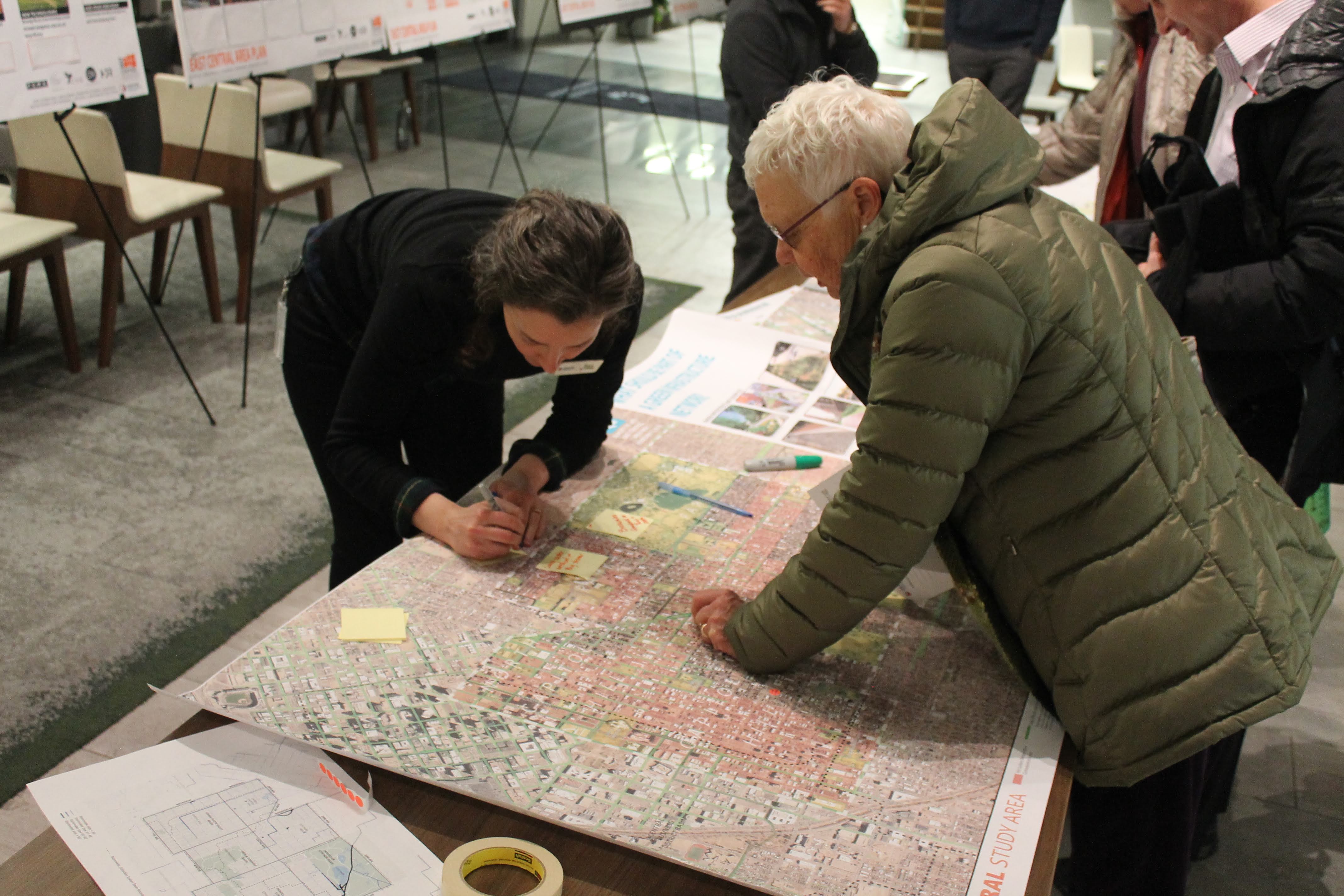
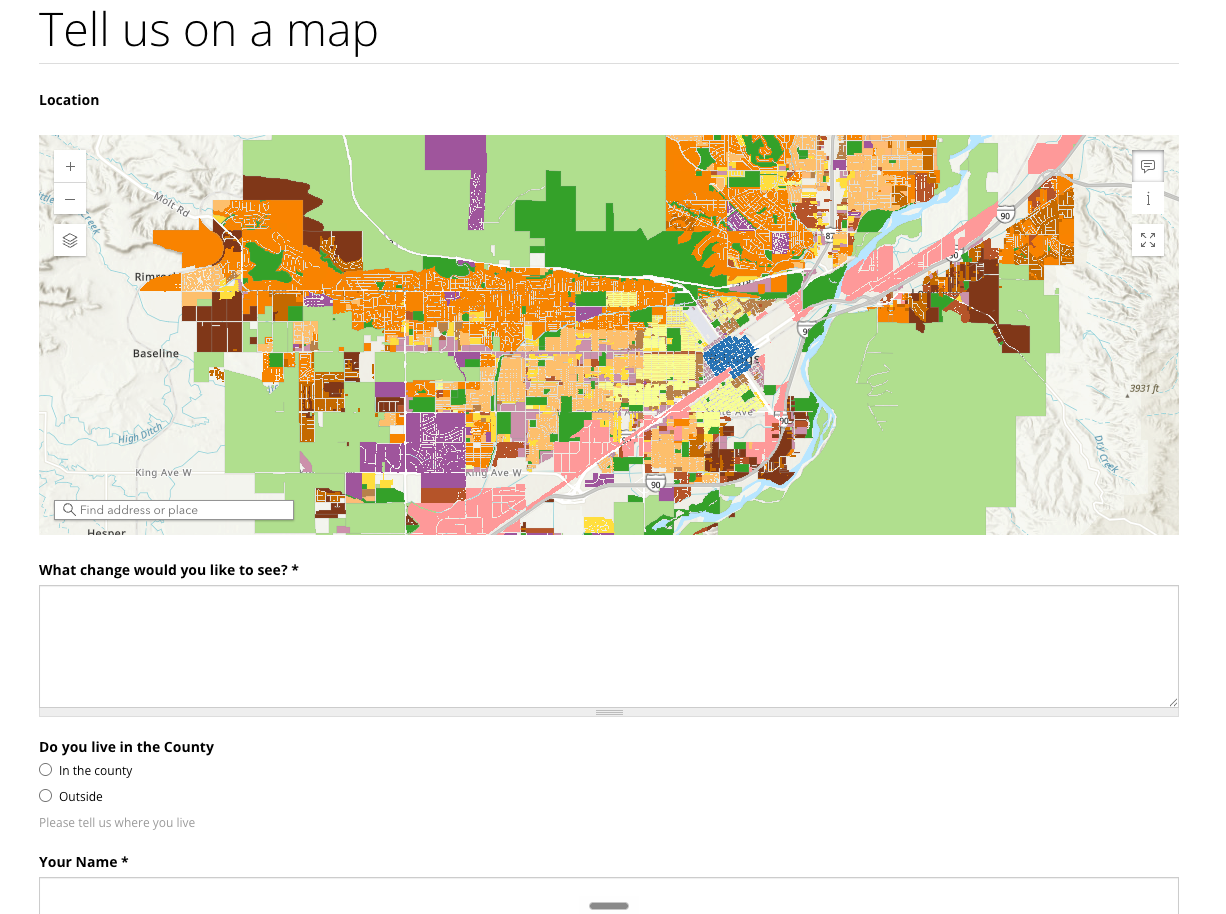
With commenting already replicating sticky notes and ArcGIS integrations supporting digital mapping activities, Dot Voting fills an important gap. Together, these tools reflect the core activities planners often rely on in live open houses and workshops: learn, react, comment, map, and prioritize.
That is why this release feels like an important milestone. It helps complete the set of features needed to turn in-person workshop materials into a meaningful online experience, without forcing project teams into a different workflow or requiring participants to learn something complicated.
In other words, it helps hybrid engagement feel less like a compromise and more like a true extension of the real thing.


Similar posts


Explore a live example


